Tooling

Client
Bally's Interactive
Timeframe
Ongoing
Year
2026
Finding the automation boundary
I started by looking at how I built the prompts manually. First I would analyse the references: what is visible, who the character is, what they are wearing and what the location looks like. For video, I would break down how the movement developed over time.
Then came the actual creative decision: why are these references here, and what should happen when they are brought together? That distinction shaped the tool. Reference description is factual work. Motion analysis is structured work. Formatting and character counting are mechanical. The composition stage is different because someone still has to decide what the scene is doing and how the references contribute to it.
That is where I wanted the strongest model, and where I wanted the person's brief to remain central.

Building around the way a person works
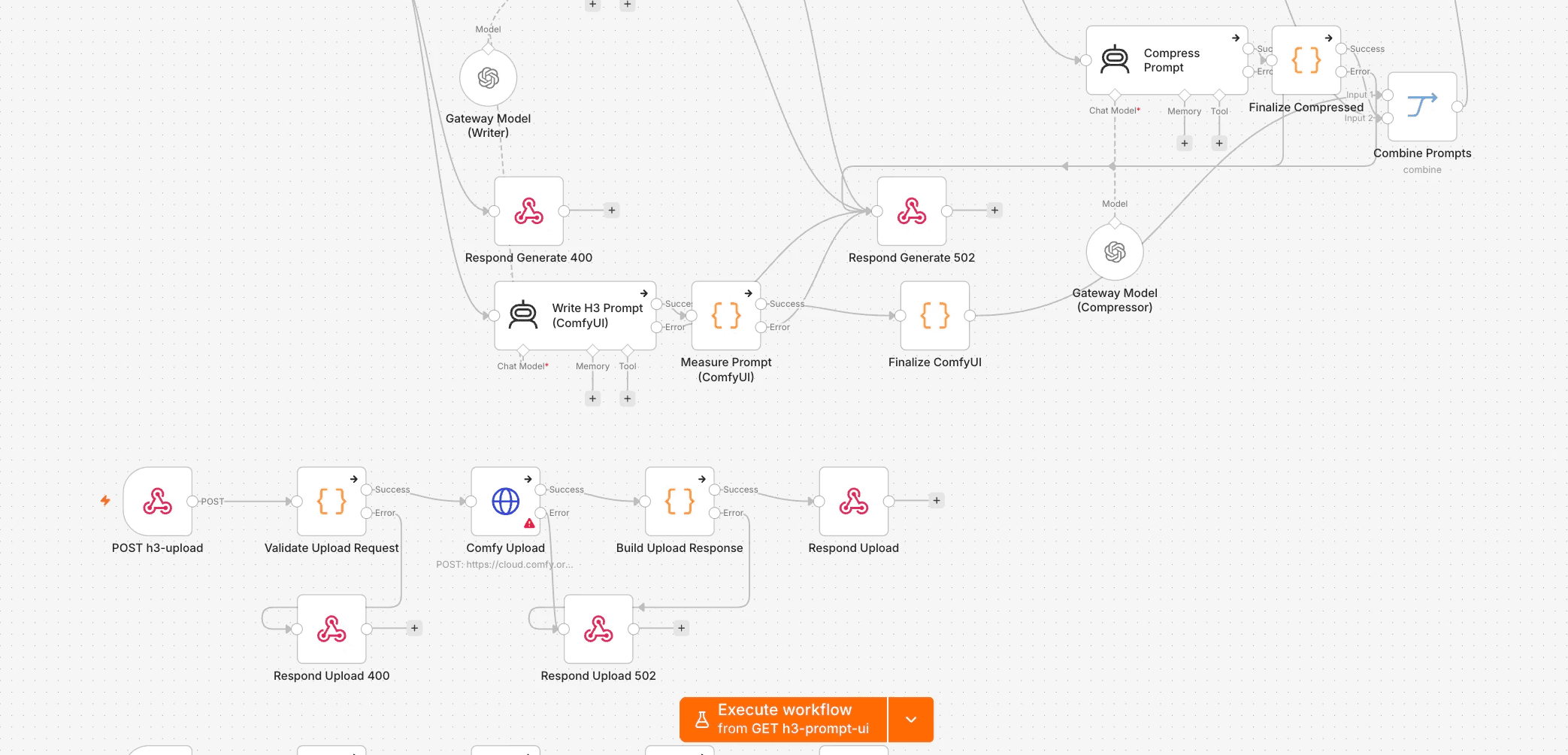
The workflow follows the same order as the manual process. References are analysed first, and the person can review those descriptions before they continue. The creative brief then supplies the intention behind the shot. Only after those two things are established does the writing stage compose the structured prompt.
This also influenced how I chose technology for each stage. Visual analysis needs a capable vision model. Composition benefits from a stronger language model. Character counting is JavaScript, while fixed generation parameters are values passed through code. The question became less about which AI model was best and more about what each stage actually needed.
Keeping judgement visible
One interesting problem came from adapting prompt-writing guidance designed for chat. Some instructions tell the writer to ask clarifying questions when information is missing, but an automated workflow cannot stop halfway through and hold a conversation.
So the system makes a reasonable assumption and records it. I preferred that to hiding the uncertainty. If the workflow had to infer something, the person using it should be able to see where that happened.
That same principle runs through the rest of the system. Automation removes repetitive work, while the decisions that affect the creative remain visible.
What changed
A designer can now start with a normal brief and a set of references rather than manually writing the technical document the video model expects. The system handles much of the analysis, formatting and validation around that brief.
Generation can still fail. Models still misread references and make strange choices. The workflow mainly reduces errors introduced before generation, where rushed descriptions or incomplete technical specifications were avoidable.
I also built reporting into it and use a deliberately conservative estimate of 8 minutes saved per prompt. Fully manual prompts could take around 20 minutes, so I would rather understate the saving than build the value of the tool around an optimistic number. A tools builder who can't demonstrate saved hours is a hobbyist with a corporate login.


Why this case matters
The useful part of this project was deciding what deserved automation. Image description has a mostly factual answer, character counting has an exact answer, and formatting can be encoded. Storytelling still needs someone to decide what the references mean together and what the scene should communicate.
That is the boundary I would keep if I rebuilt the system tomorrow.
Discover other projects
Dive into our diverse collection of innovative projects, where creativity meets cutting-edge technology to solve real-world challenges